Build something yours.
Try Describe it or Copy cat on a compatible device. Open the result and make it your own.
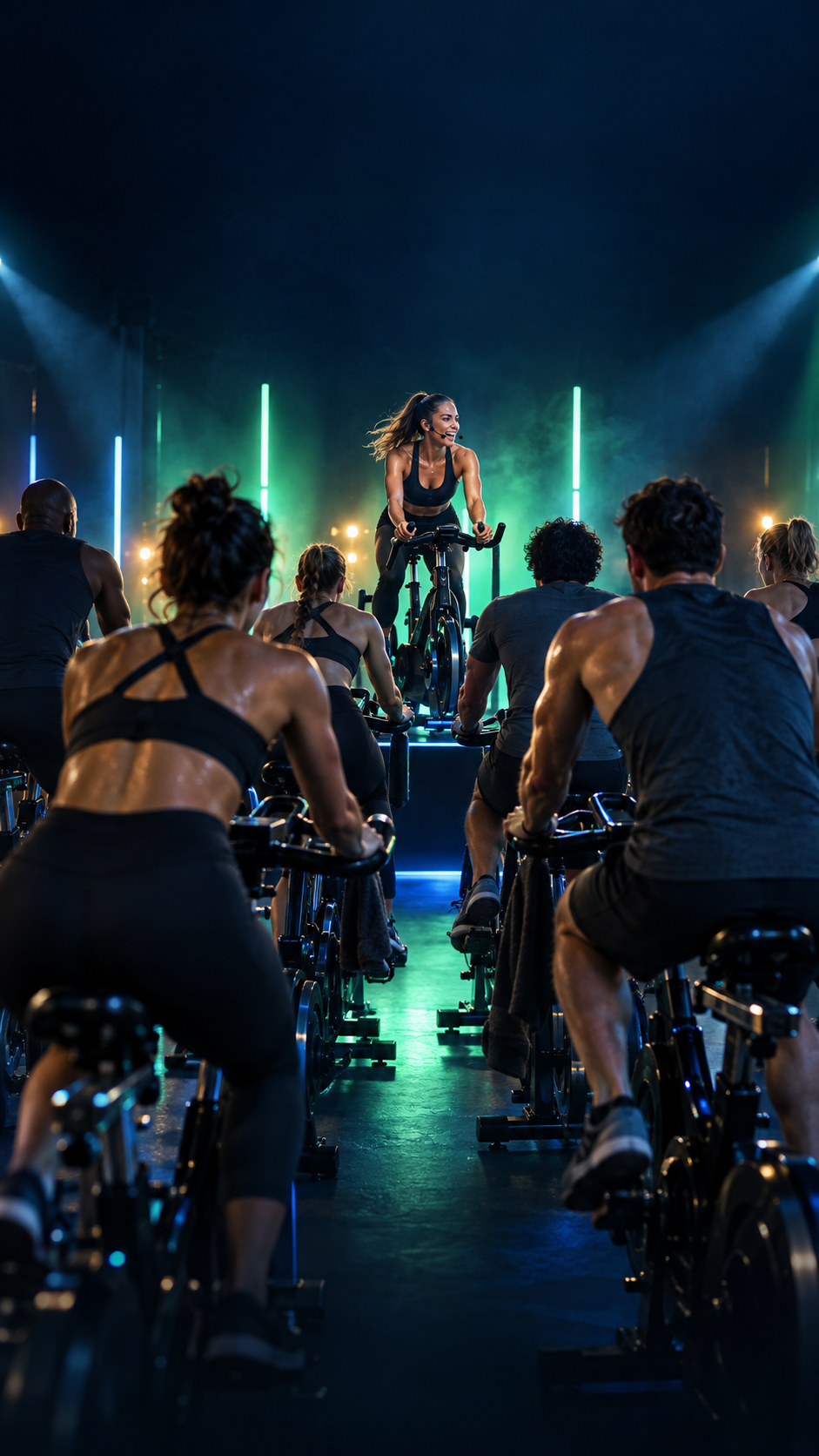
THE NEXT MYFITNESSDJ · NOW IN BETA
Bring your next class to life. Turn an idea into a playlist, share your cues with the room, and help every rider find their rhythm.
For instructors who want more time to coach.
MADE FOR THE MOMENT YOU LEAD
The preparation. The cues. The connection. We’re bringing them closer together, so you can stay with the people in front of you.
01 / CREATE
Describe the class you have in mind, or use Copy cat to draw inspiration from playlists you already love. AI-assisted creation brings tracks, intervals, and cues together in a normal, editable MFDJ playlist.
Choose the length, intensity, and focus. Then refine it with the tools you already know.
AI creation requires a supported Apple Intelligence device and available on-device models.
“45 minutes. Two big climbs.
A recovery we’ve earned.
A finish they’ll remember.”
An idea becomes a class. You make it yours.
Feature illustration02 / CONNECT
Start sharing in MFDJ and show your class the QR code. Riders open your invitation in MFDJ or a browser to follow live cue colors, countdowns, and class progress on their own screen.
Phones, tablets, or a compatible big-screen browser. Give your coaching another way to reach the room.
Live sharing sends visual cues and timing. Music plays through your class sound system.
THE NEXT CLIMB
Find your03 / FEEL IT
Riders following in MFDJ can bring Apple Watch heart rate and zone feedback into their experience, with guidance toward the cued zone. Their Watch can show the current cue color and countdown, too.
On supported browsers, riders can connect a Bluetooth heart-rate sensor and see their current BPM alongside the class cues.
Sensors are optional. Browser Bluetooth support varies; browser sensors show BPM without zone guidance.
152 BPM
ZONE 3 YOUR CURRENT EFFORT
A little more. You’ve got this.
Personal feedback for the rider.
A shared rhythm for the room.
28 SECONDS. A NEW POSSIBILITY.
A quick look at what’s coming to your next class.
HELP SHAPE WHAT’S NEXT
We’re looking for instructors and curious riders to put the new MFDJ through its paces. Try it in your routine. Find the moments that click. Tell us where we can make it better.
Join the betaTry Describe it or Copy cat on a compatible device. Open the result and make it your own.
Share a class link. Try the follower view on another phone or in a browser.
What saved you time? What helped you coach? What needs another pass? Your feedback matters.
No. A class invitation can open the live follower view in a browser. Riders with MFDJ installed can follow in the app.
Only for the AI-assisted playlist creation features. Live class sharing and following do not depend on Apple Intelligence. AI options appear when supported on your device.
No. Live colors, cues, and countdowns work without one. Apple Watch adds personal heart-rate feedback in MFDJ; compatible browsers can connect a Bluetooth heart-rate sensor for BPM.
Scan the QR code or open the full invitation link your instructor provides. Each class has its own invitation; this page is the home of MFDJ Live.